Windows Β· v1 out now

Turn a Discord user ID
into a profile.

Nyx sweeps every server you share with a target for their messages, files, and mentions β€” then a local browser viewer turns the raw dump into a word wall, social graph, activity heatmap, and OSINT intel tags.

Free to download Β· license key required to run Β· see the ToS warning before you use it
License key required Platform: Windows No install β€” standalone .exe
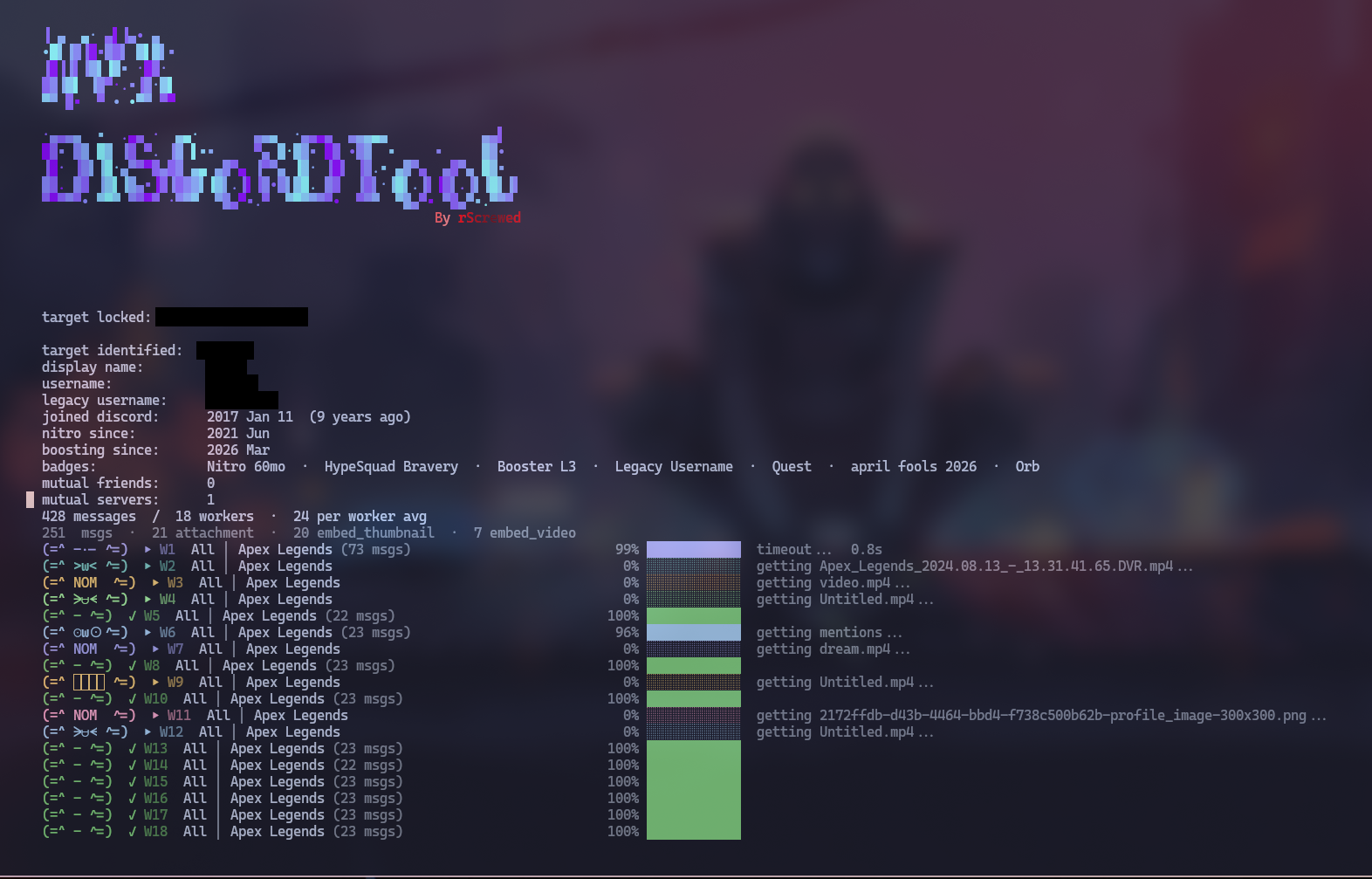
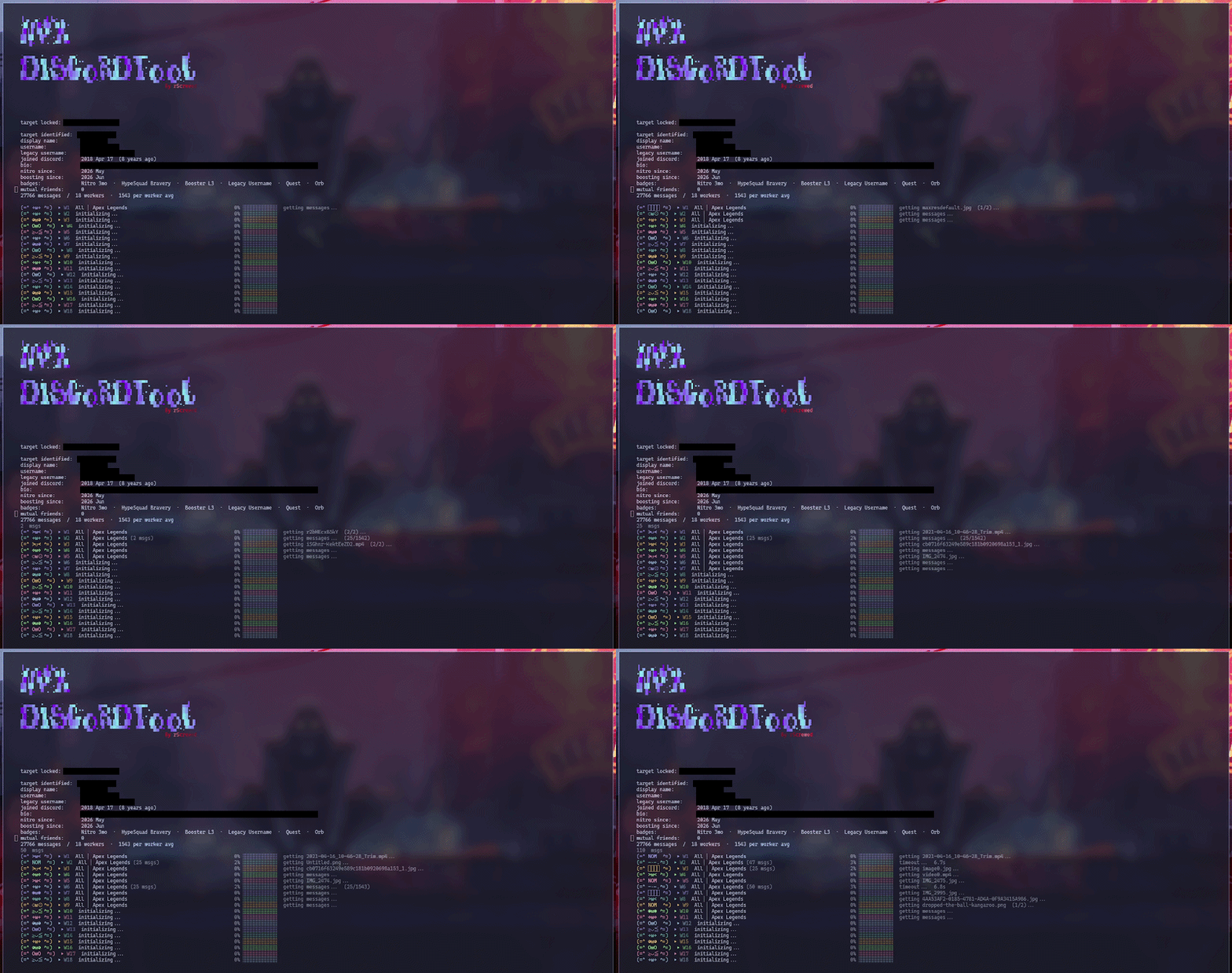
Nyx scanning a target with 18 parallel workers
What you actually get

A wall of messages becomes an actual profile

People forget what they've put out there. Months or years of messages spread across a dozen servers add up to more than most people could recall themselves.

🧠

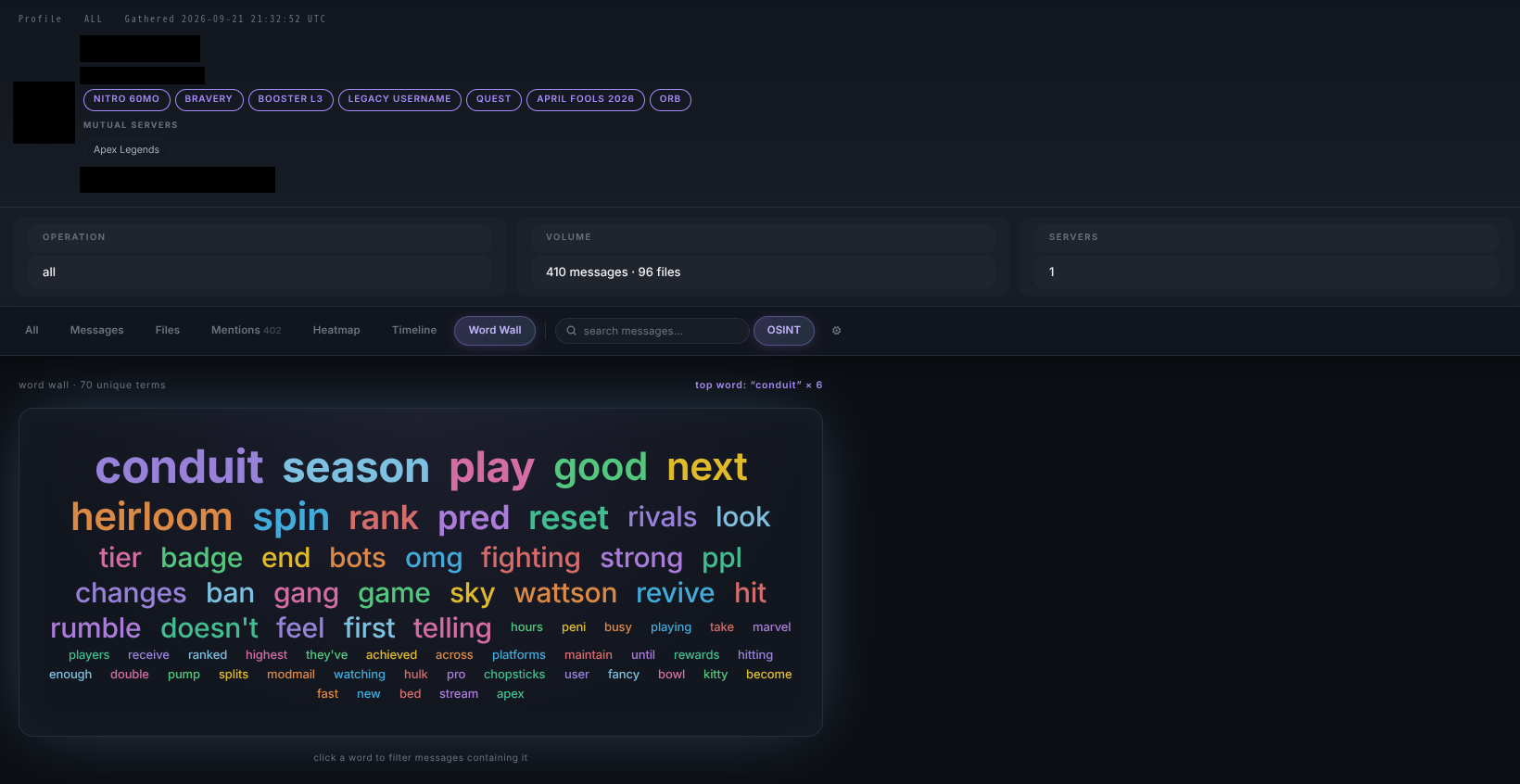
Word Wall

The target's most-used words and phrases, sized by how often they say them. See what someone's actually about at a glance, no reading required.

πŸ•ΈοΈ

Mentions & social graph

Who pings them and how often, ranked. Click a name to pivot straight into everything that person's said to the target β€” their real social graph, not just who shares a server.

🏷️

OSINT intel badges

Messages get auto-tagged when they touch location, work/income, identity, social handles, technical info and more, so the patterns surface instead of getting buried in scroll.

πŸ“Š

Heatmap & timeline

Exactly when the target is online, by hour and by month. A schedule, not a guess β€” built as interactive charts in the browser viewer.

πŸ”

Filters everywhere

By file type, server/channel, mentioner, or live search β€” a huge dataset narrows down to exactly what you're after in seconds.

⚑

Multi-worker scans

Run several accounts in parallel to split a server's history across workers β€” scan time drops roughly in proportion to how many you add.
See it in action

Terminal collects. Browser viewer profiles.

Two screens, two jobs β€” the terminal menu is number-driven and just runs the scan; the browser viewer is where the raw data becomes a profile.

Word Wall in the browser viewer
Word Wall β€” the target's most-used words, sized by frequency
Multiple workers collecting data in parallel
Workers collecting data in parallel, one status row each
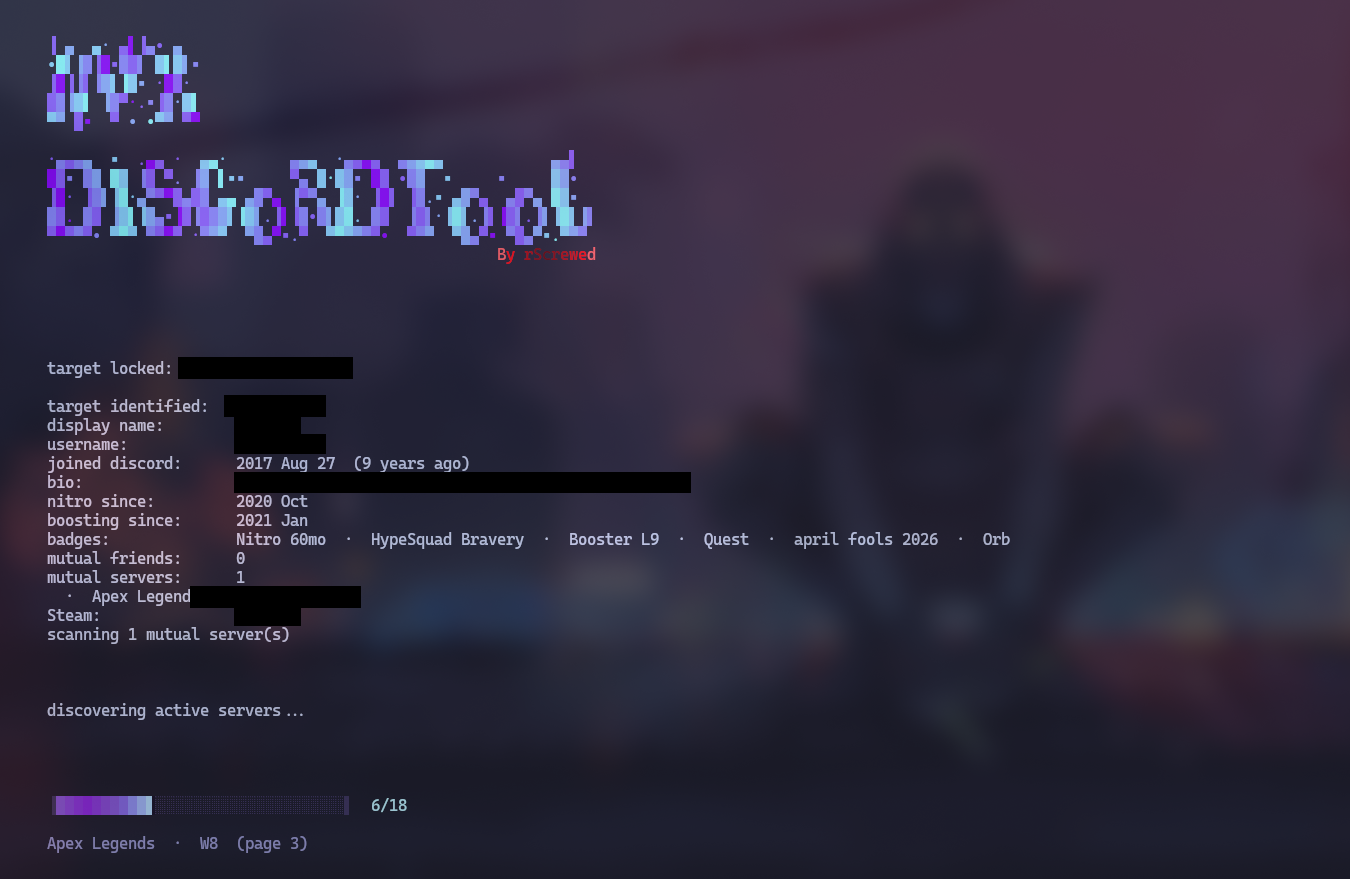
Nyx discovering shared servers
Discovering the servers you share with the target
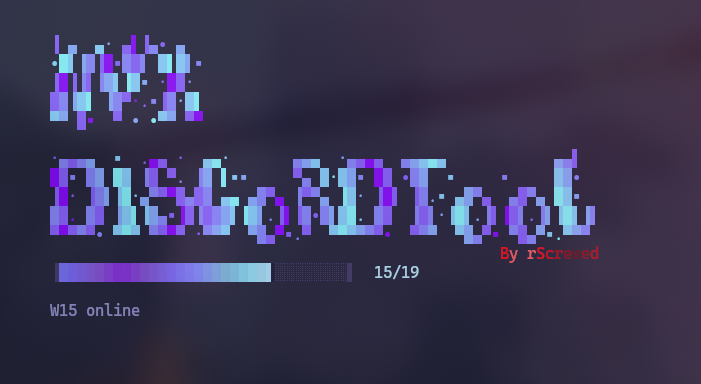
Loading worker tokens
Each worker token checked and brought online before the scan starts
Pick your scope

Four modes, one target

#ModeWhat it collects
1MessagesEvery message the target sent across selected servers β€” fast, easy to read through.
2FilesOnly messages with attachments β€” images, videos, documents β€” rarely stripped of metadata.
3MentionsEvery message where the target was pinged, ranked by who sends them most β€” a pivot point for mapping connections.
4AllMessages + files + mentions in one pass, for the full picture.

⚠️ Read this before you use it

This tool logs in as a real Discord user account (not a bot) and drives it programmatically to search message history β€” optionally across several accounts ("workers") at once to go faster. That is automation of a user account, which is against Discord's Terms of Service.

  • Every account you point at this tool β€” the main one and any worker tokens β€” can be disabled or permanently banned. Do not use an account you aren't prepared to lose, and never use it on someone else's account without their knowledge.
  • You need authorization from the people you're collecting data on. A scan doesn't just pull the target's own messages β€” depending on the mode, it also reads what other members posted. Only run this where you have a legitimate, consented basis: your own accounts and data, explicit written permission from the target and, where relevant, the server owner, or an authorized security/investigative engagement. "I have access" is not the same as "I have permission."
  • Delays, cooldowns, and rate-limit backoff are built in to reduce (not eliminate) the chance of getting flagged. They can be tuned in Settings, but no setting makes this safe from Discord's own detection or removes the need for consent.

If you don't have clear authorization to investigate the target and the server(s) involved, don't run this.

πŸ”‘

License key required

Nyx is gated behind a license key β€” on launch it checks the key's signature, expiry, and revocation status before letting a scan start. Without a valid key it won't run. Paste it in when prompted, or drop it in .env as LicenseKey=your_key_here to skip the prompt on future runs.

Get a license key on Ko-fi